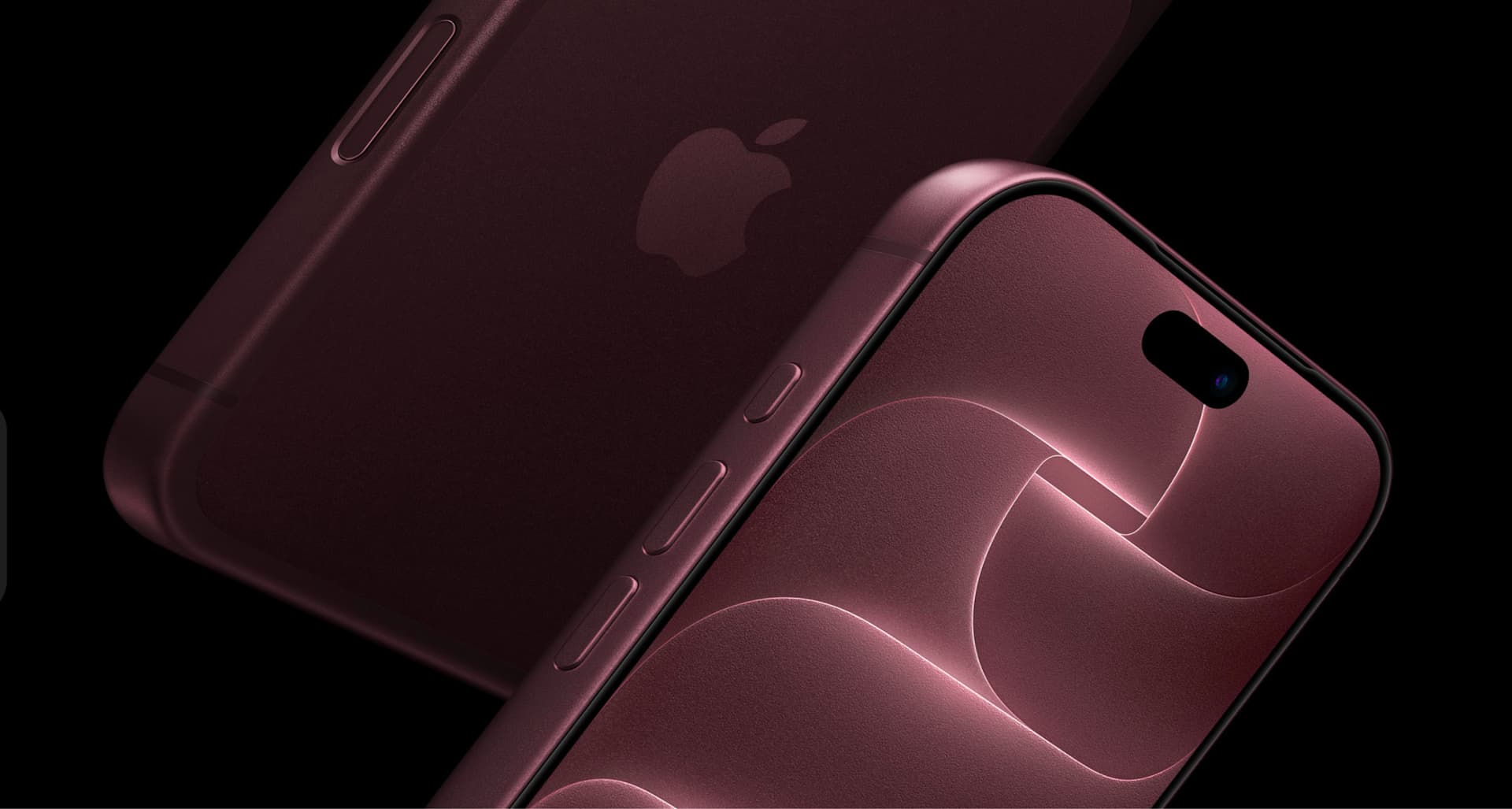
Apple 2026 Launch: What It Means for Global Teams
The Apple 2026 Launch announcements and what they mean for IT and People global teams.

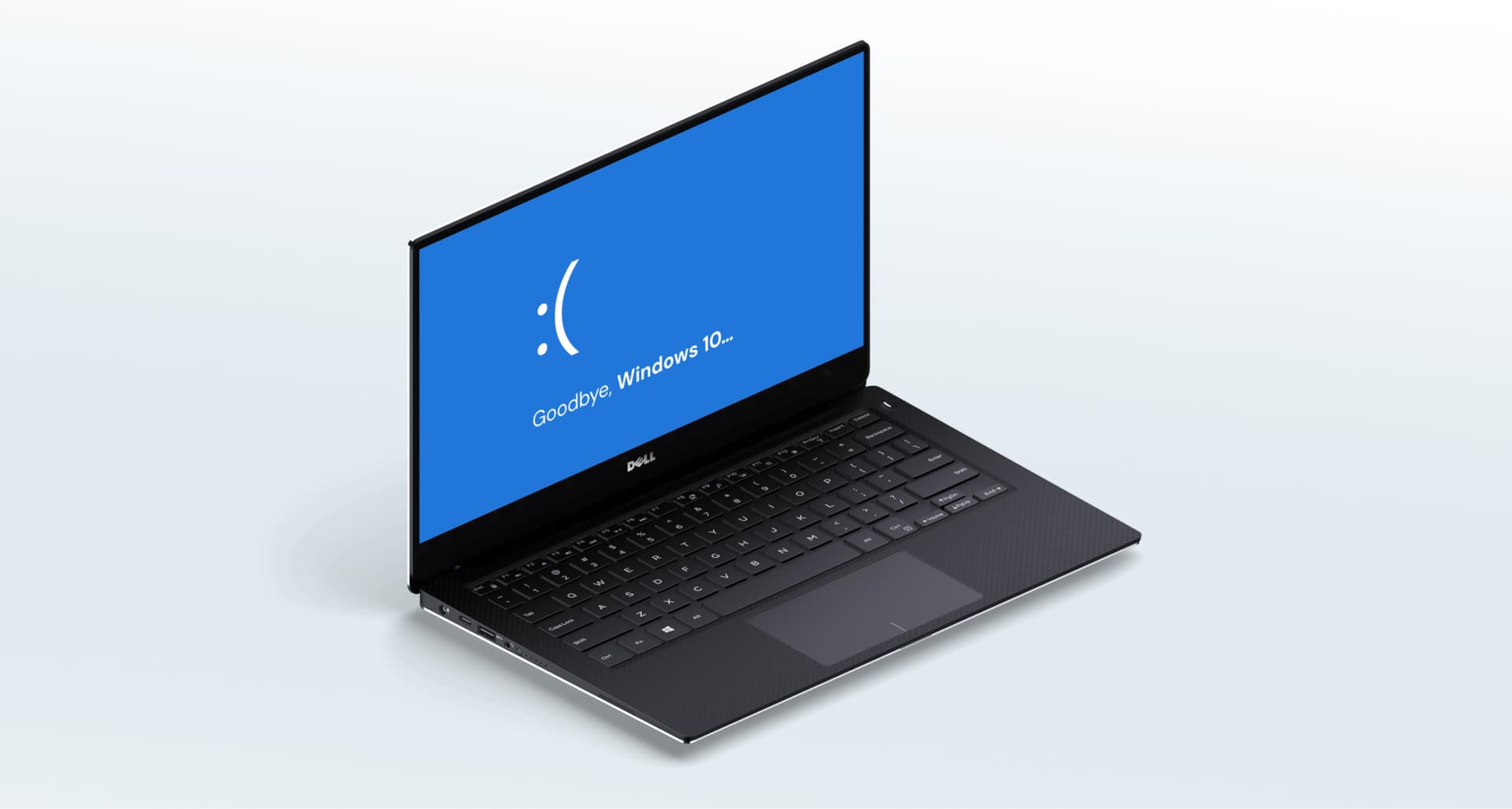
In October 2025, Microsoft officially discontinued support and security updates for Windows 10, with more than 650 million people still using it as of August 2025, according to Consumer Reports. This shift impacts businesses around the world, especially those managing distributed teams and large fleets of devices.
The end of support for Windows 10 doesn’t mean computers will suddenly stop working. But it does mean something more critical:
No more security updates
Higher vulnerability to malware and cyberattacks
No new features or bug fixes
Gradual software compatibility issues
For companies, this marks a pivotal moment to review, upgrade, or replace aging IT assets.
Why the End of Support for Windows 10 Matters
1. Increased Security Risks
Once the support window closes, Microsoft no longer patches vulnerabilities, leaving your organization exposed to: Ransomware attacks, zero-day exploits, data breaches, compliance risks.
Outdated operating systems are one of the most common entry points for attackers. For organizations handling sensitive data or working across borders, this becomes a pressing concern.
2. Limited Hardware Compatibility
According to the Public Interest Research Group, about 40% of Windows users do not have computers compatible with Windows 11.
This means nearly half of existing Windows 10 devices cannot upgrade through a simple software update, they need hardware replacement.
For global teams, this becomes an even bigger challenge: coordinating procurement, distribution, and configuration across multiple countries, time zones, and import rules.
3. Decline in Performance and Support from Third-Party Apps
As the ecosystem moves on, software providers gradually stop optimizing for older systems. Over time, businesses may face:
Slower performance
Reduced stability
Incompatibility with essential tools
Lack of vendor support

How Global Companies Should Prepare for the End of Support
1. Audit Your Fleet Now
Start by identifying:
How many devices still run Windows 10
Which ones are eligible for Windows 11
Which ones require replacement
Where those devices are located globally
Most companies discover fragmentation across regions, vendors, and purchase cycles, making centralized visibility crucial.
2. Plan Your Upgrade Timeline
Global teams benefit from a structured renewal cycle. In most cases: a 3-year upgrade cycle provides optimal performance and ensures devices maintain good resale value on the secondary market.
This timing helps companies avoid:
Sudden bulk purchases
Unexpected downtime
High replacement costs
3. Optimize IT Asset Recovery and Resale
Devices still running Windows 10 can often be refurbished and resold if handled before their value drops. With proper logistics and IT asset management, companies can recover part of the investment while responsibly recycling older components.
The Role of IT Asset Management During the End of Support for Windows 10
For distributed teams, the end of support triggers several operational challenges: Procuring compatible devices globally, handling returns and replacements across countries, ensuring secure data migration, certifying old hardware for resale or recycling, keeping an accurate asset inventory during transitions.
This is where experienced IT asset management and IT support become essential. At Tecspal, we help global teams:
When operating across international borders, the logistics are complex, but the upgrade doesn’t have to be.
The end of support for Windows 10 is not a crisis: it’s an opportunity to refresh outdated fleets, improve security, boost productivity, and prepare your global team for what’s next.
Explore our
topics
The Apple 2026 Launch announcements and what they mean for IT and People global teams.

Looking for the best corporate laptops? Compare top picks for remote teams by battery life, power and price, then see how Tecspal equips anywhere.
1 min read

Australian companies hiring in India: cost, talent and and why IT asset management can't be an afterthought.
1 min read



contact@tecspal.com
+1 305-450-4911
111 Pine St #1650, San Francisco, CA
Subscribe to our weekly newsletter to receive the latest news and updates.